How To Get Classic Chrome Film Simulation in Sony Cameras
I am a sony user now, but I love fuji.
I used to shoot with Fuji, then I left it for Sony due to Fuji’s shitty autofocus system. Then I returned to Fuji again - for its colors. Eventually, I started using both systems—you can call me spoiled!
Now, I primarily shoot videos with Sony and photos with Fuji. But when I’m out shooting video, sometimes I want to take pictures as well. Here’s the problem: I didn’t bring my Fuji.
I miss the colors—the film simulations, Classic Chrome to be exact!
After some research, I found a solution that works for me on my Sony ZV-E1 and Sony A7C II. There are some tweaks you can do on your Sony camera to get a Classic Chrome look straight out of the camera (SOOC).
At first, I thought the “Creative Look” filters in Sony cameras were just a gimmick. However, by adjusting the settings, we can actually achieve a classic chrome look.
Here are the settings I used:
- Creative Look: IN
- Contrast: +2
- Highlights: 0
- Shadows: -2
- Fade: 0
- Saturation: -2
- Sharpness: 0
- Clarity: +3
- Tint: +1
And result?
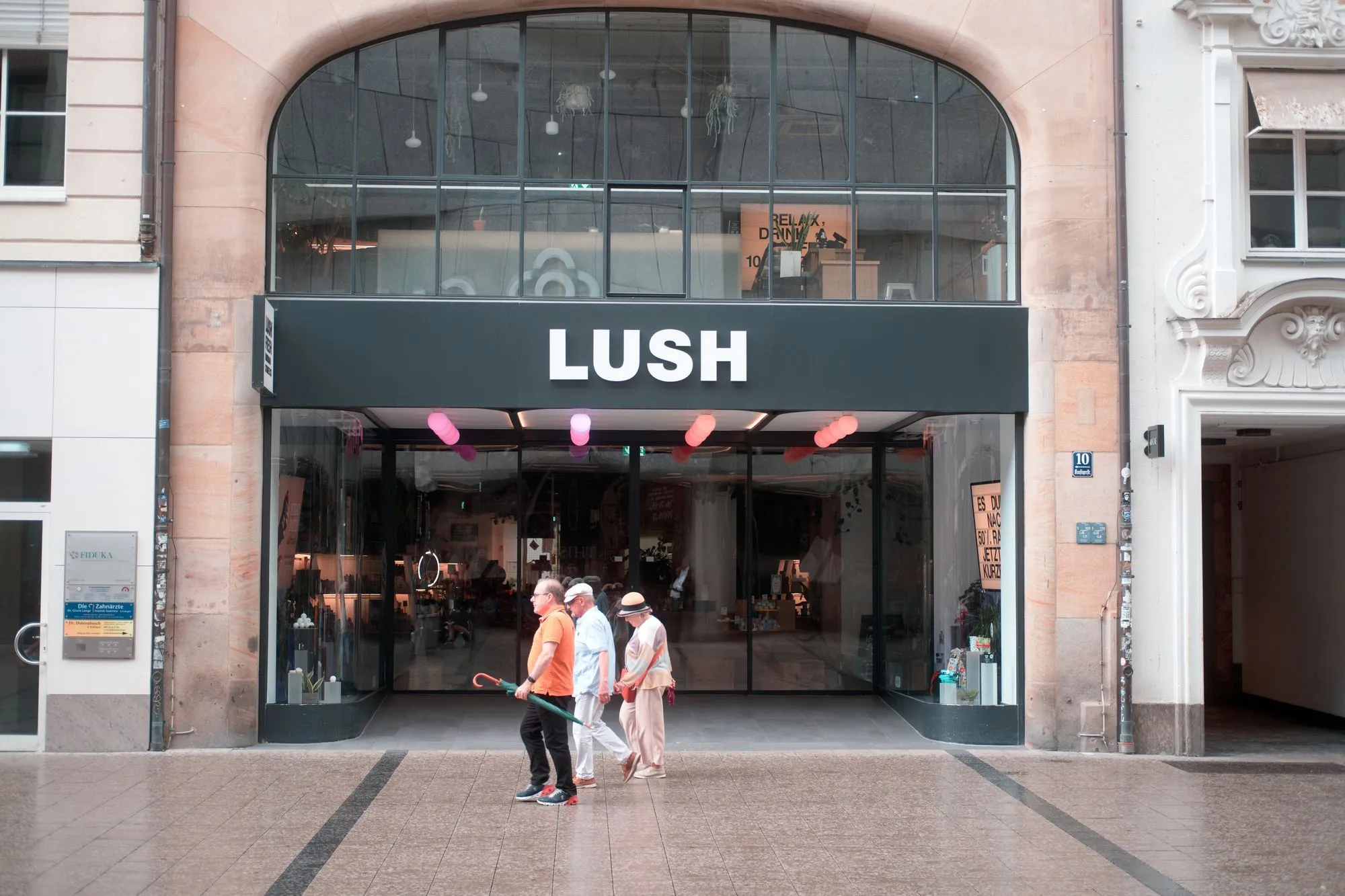
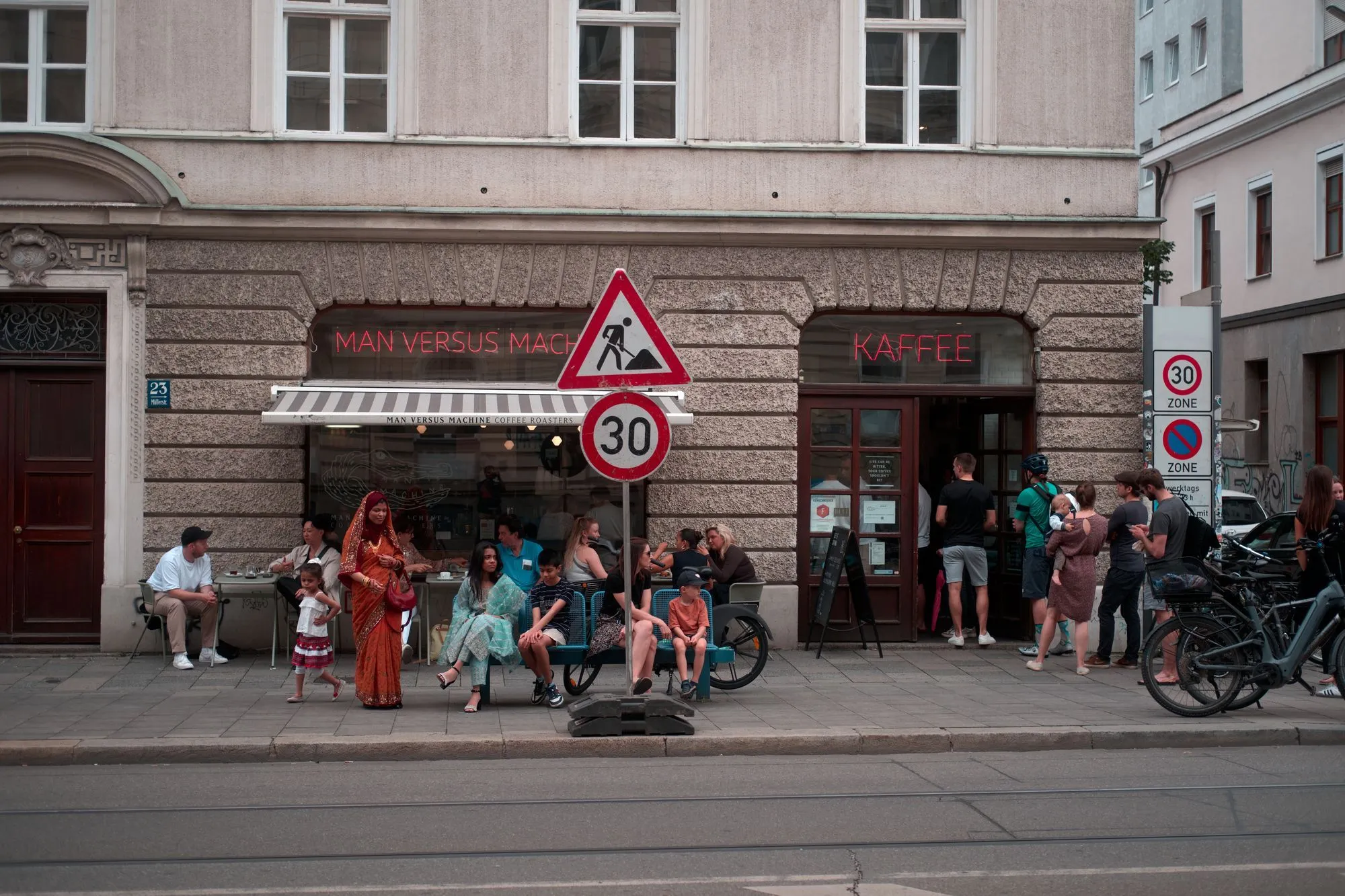
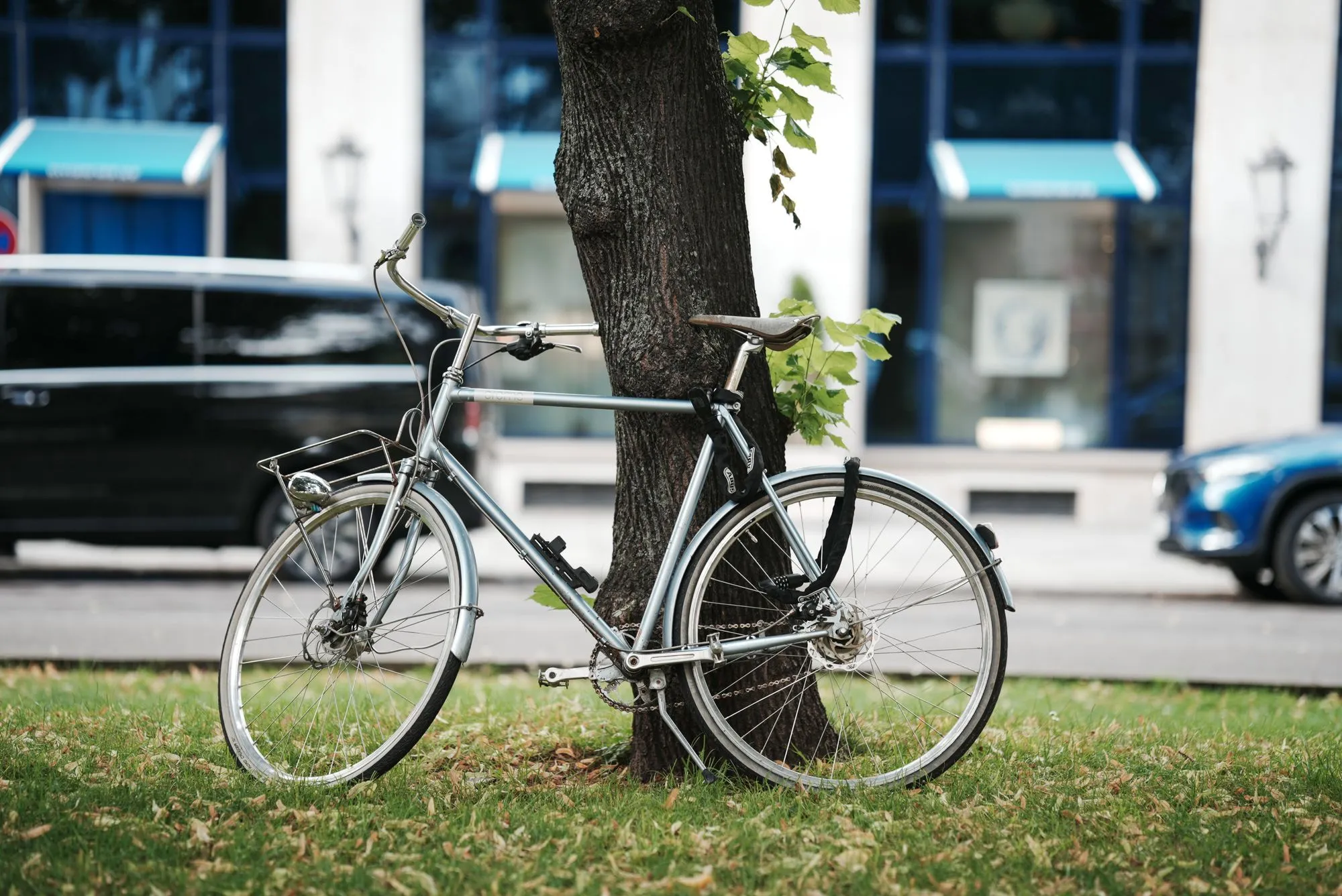
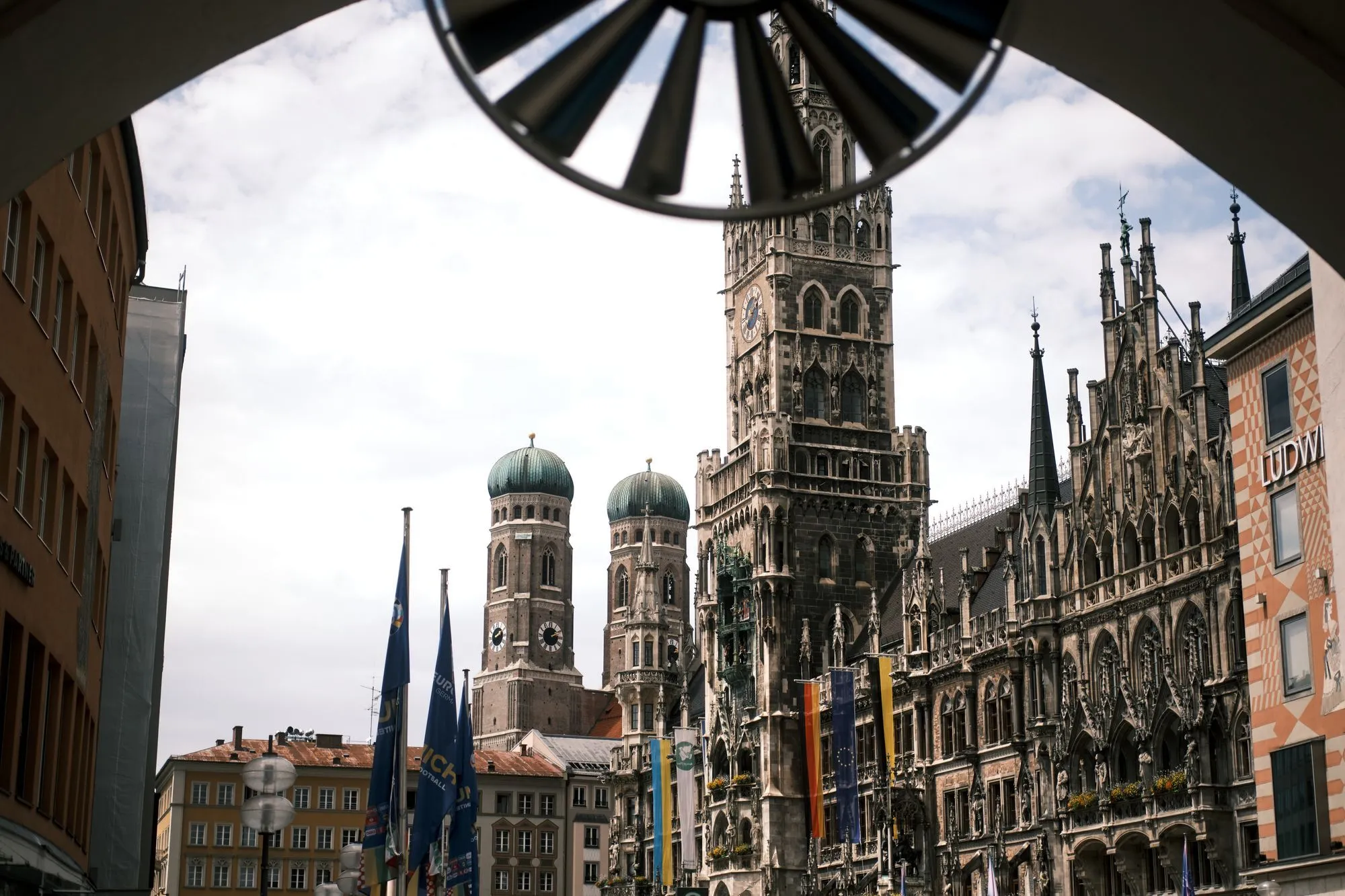
Result by tweaking Creative look “IN”
Though it’s not perfect, you can tell it’s not classic chrome from the reds. But when I couldn’t bring my fuji - or I need extra depth in a photo, but don’t want to open lightroom - this works like a charm!